

I’ve sat in front of a lot of GA4 dashboards with MSP owners, and the reaction is almost always the same: “So many numbers.” That reaction is fair. But here’s the thing worth knowing before anything else. If you learned Google Analytics any time before 2023, most of what you remember doesn’t apply anymore. Universal Analytics stopped collecting data in July 2023, and GA4, the version everyone is actually using now, works on a genuinely different model underneath.
You don’t need most of what’s in the dashboard to get a useful read on your MSP’s website traffic. You need to understand one concept and four reports.
The one concept: everything is an event now
Universal Analytics organized data around sessions and pageviews. GA4 organizes everything around events. A pageview is an event. A click is an event. A form submission is an event. Even scrolling partway down a page can be an event if it’s set up to track that way. This sounds like a small technical difference, but it’s the reason the whole dashboard looks unfamiliar if you learned the old version. Nothing else in GA4 makes sense until this clicks.
The four reports worth knowing
GA4 organizes its main reports around what it calls the customer lifecycle: Acquisition, Engagement, Monetization, and Retention. For most MSPs, the first two do almost all the useful work.
Acquisition tells you where your traffic came from. GA4 splits this into User Acquisition, which shows how someone first discovered you, and Traffic Acquisition, which shows where each individual session came from. That distinction matters more for MSPs than for most businesses, because your buying cycle is long. Someone might find you through a Google search in March, come back through a LinkedIn post in June, and finally fill out a form in September after a referral. User Acquisition credits that first search. Traffic Acquisition shows you each visit along the way. Both are true, and they answer different questions.
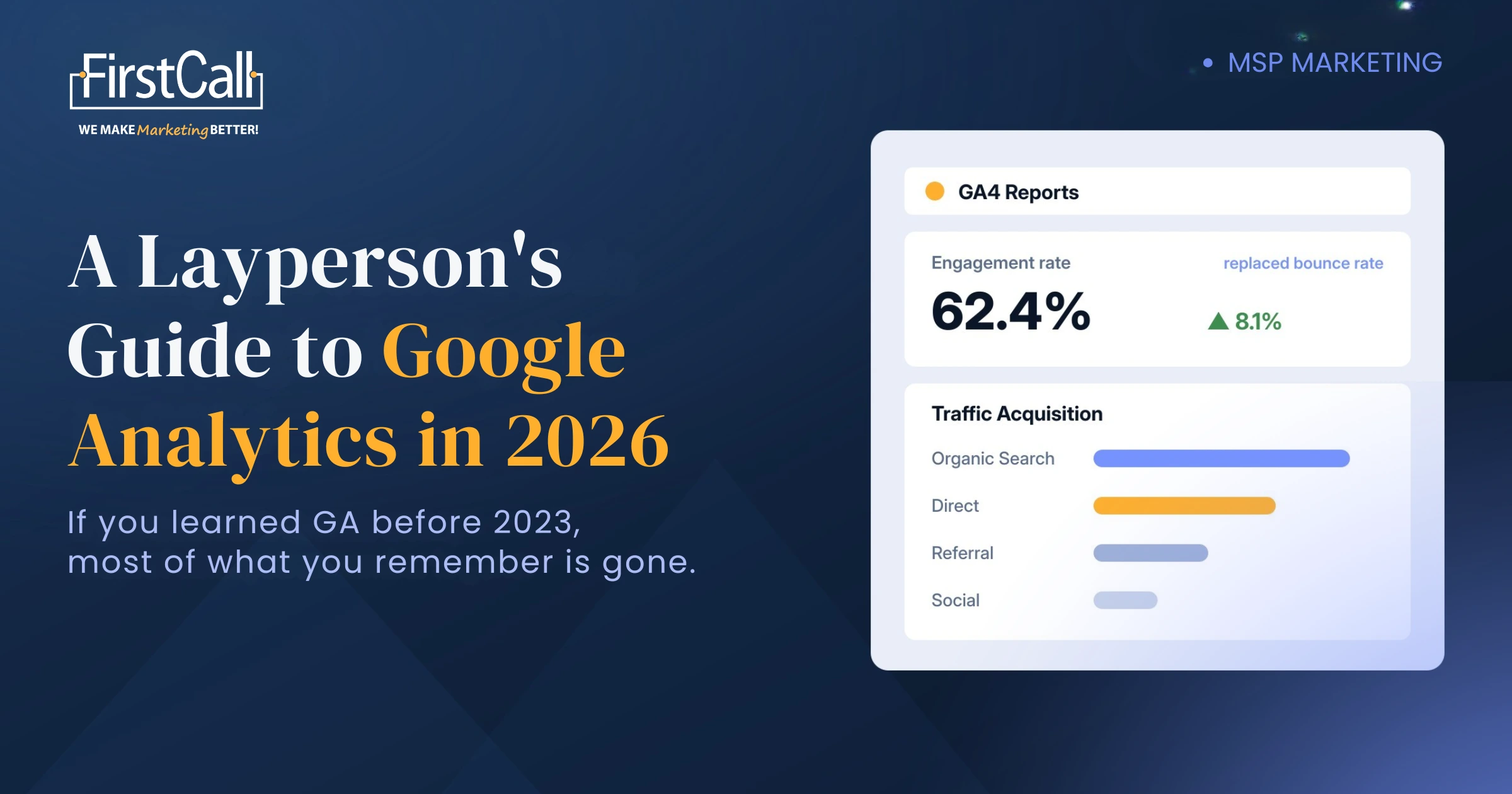
Engagement replaced the old bounce rate model with something more useful. GA4 counts a session as engaged if it lasts more than ten seconds, includes two or more page views, or triggers a conversion. Your engagement rate is simply the share of sessions that qualify. Bounce rate still technically exists in GA4, it’s just calculated as one minus your engagement rate, and it’s no longer the number worth building your reporting around.
Monetization and Retention matter more for e-commerce and subscription products than for a typical MSP site built around generating leads. I’d skip both unless you’re tracking a client portal or selling something directly through the site. For most MSPs they’re just extra tabs to feel guilty about ignoring.
What changed, in plain terms
If you remember checking “Audience Overview” and looking at sessions, users, and bounce rate, here’s the direct translation. Users and new users still exist, now inside the Reports snapshot and the Acquisition section. Sessions still exist, but the number that matters more now is engaged sessions, since it filters out the visits that landed and left in two seconds. Bounce rate got flipped into engagement rate, measuring the opposite thing in a way that gives you a fairer read on content people spent real time with.
The organic, direct, referral, and social breakdown you may remember from the old Acquisition Overview still exists too, now inside Traffic Acquisition, broken out by channel. It still answers the same questions it always did. Low organic traffic usually points to an SEO problem. High direct traffic means people already know you and typed your URL in, which is good for brand awareness but doesn’t tell you much about new demand. Social traffic tells you whether your LinkedIn activity is pulling anyone back to the site, or just getting likes.
What this means for your MSP
For most MSP websites, three numbers are worth checking regularly.
Traffic Acquisition tells you whether organic search, referrals, or direct visits are carrying your site. If direct is dominating, your growth is coming from word of mouth and your marketing isn’t finding anyone new, which is useful to know before you blame the website.
Engagement rate on your core service pages is the one I’d watch most closely. When an MSP’s cybersecurity page sits well below the rest of the site, the problem is almost never the design. It’s that the page reads like every other MSP’s cybersecurity page, and the visitor found nothing worth staying for.
And your key events, whatever you’ve defined as a meaningful action, a contact form, a booked call, a downloaded assessment, tell you whether any of that traffic is turning into pipeline at all. This is the number most owners never set up, which is why so many can tell me their traffic went up last quarter but not whether it produced a single conversation.
You don’t need to become a GA4 expert to get value from this. You need to check those three things on a rhythm, weekly for anything tied to active campaigns, monthly for the bigger trend picture, and act on what changes.
Do you need to set anything up first?
Yes, one thing matters more than any report: deciding what counts as a conversion for your business before you start reading data. GA4 calls these key events, and unlike the old Goals setup in Universal Analytics, they’re flexible enough to track almost anything meaningful, a form submission, a phone click, a scheduled call. Without that step done first, you can watch traffic all day and still not know whether any of it matters.
Setting one up usually takes a few minutes once you know what you’re tracking: most GA4 properties auto-detect common events like form submissions and outbound clicks, and you can mark any existing event as a key event from the Admin panel without touching your website’s code. The harder part isn’t the setup, it’s deciding which actions on your site genuinely represent a step toward a client saying yes, rather than just marking everything as important and drowning the useful signal in noise.
Not sure whether your GA4 is even set up to track the things that matter for your MSP?
That’s exactly the kind of gap our free MarketingStack Challenge catches. If you want the deeper version, our Marketing Strategizer goes through your analytics setup alongside eleven other checkpoints, so you find out not just what’s tracked but whether the numbers you’re looking at mean what you think they mean.
Quick answers
Is Universal Analytics still usable in 2026? No. Universal Analytics stopped processing data in July 2023, and Google has since shut down access to historical UA reports entirely. GA4 is the only option for ongoing website analytics.
What replaced bounce rate in GA4? Engagement rate, which measures the share of sessions lasting more than ten seconds, including two or more page views, or triggering a conversion. Bounce rate still exists as a calculated number, one minus engagement rate, but engagement rate is the more useful metric to watch.
What’s the most important GA4 report for an MSP? Traffic Acquisition and Engagement together. Acquisition tells you where visitors are coming from, and engagement tells you whether they’re actually doing anything once they land, which together tell you whether your site and your marketing are working as a system.